How to Look Better in Photos: A Practical 7-Step Guide
A repeatable portrait setup for clearer, more natural photos - without a special face shape, expensive camera, or heavy filter.

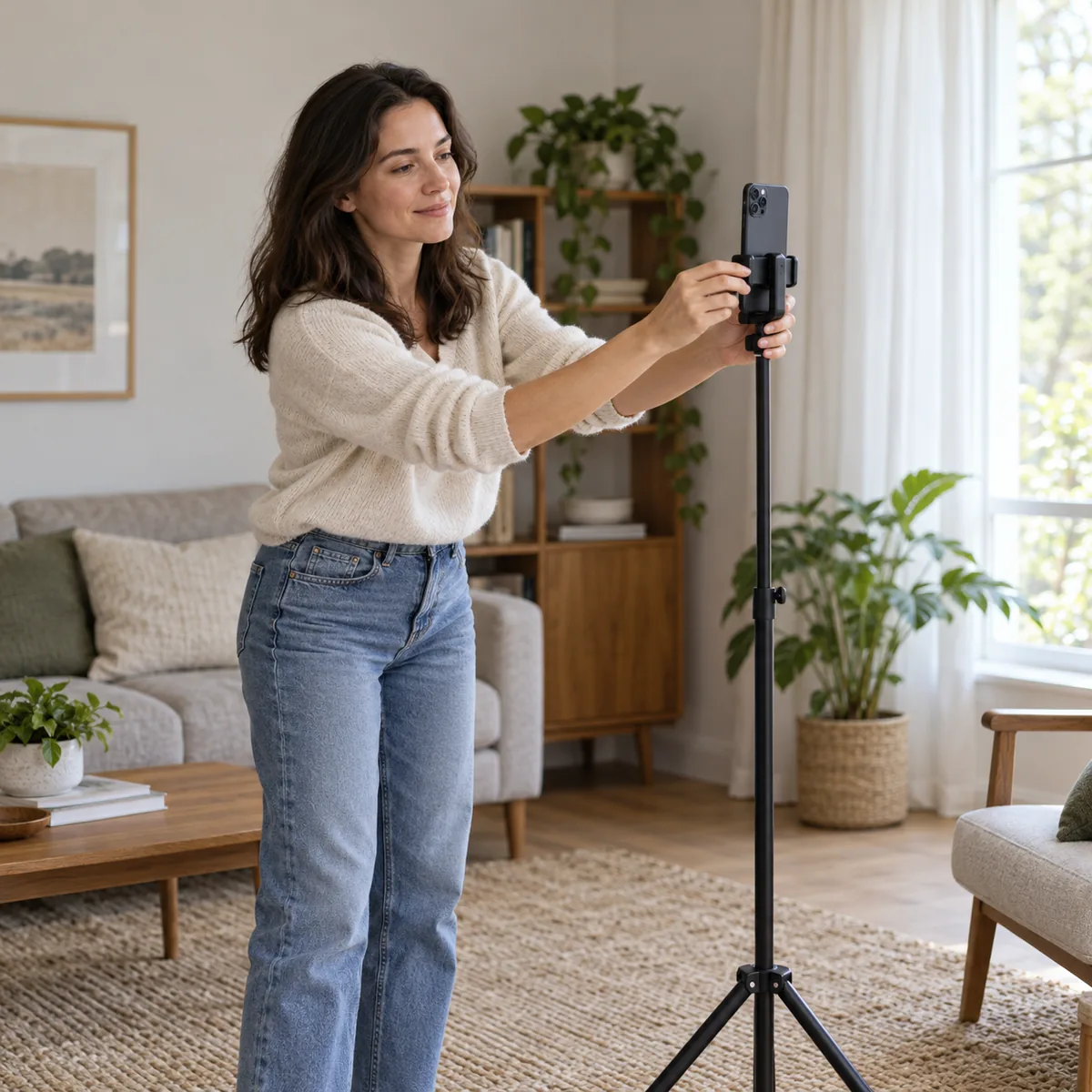
If your question is how to look better in photos, adjust the setup before judging your face from one frame. Distance, light, angle, posture, and timing all affect a portrait. Use these seven steps to make a clear baseline, change one variable at a time, and keep the result recognizable as you.
1. Choose the photo you actually need
A profile picture, outfit photo, and group selfie have different jobs. Decide what the image should show before you pose: make your eyes easy to see in a headshot, leave room around clothing in an outfit photo, and match the group setup when others are in frame.
Choose a background with some space behind you, clean the lens, and frame the shot so the crop will not cut through your head, hands, or shoes. Take one ordinary test frame. It gives you a baseline before you change the pose or camera settings.
Start with a useful baseline
- Use the camera and crop intended for the final image.
- Keep the lens clean and save the original frame.
2. Move the camera back before changing lenses
A very close selfie can make features nearest the lens look more prominent. Perspective changes mainly with camera position; a different lens changes framing, while moving the camera changes the viewpoint. This is one reason a close front-camera selfie can look unlike a portrait taken farther away.
Set the phone on a stable surface or ask someone to hold it at arm's length or farther away. Keep your face near the center, then crop afterward. For a tighter portrait, step back and use a modest zoom instead of holding a wide-angle camera close to your face. If you are asking how to look better in photos, start with distance before changing lenses.
- Set distance
Move the phone back while keeping a similar head-and-shoulders crop.
- Compare
Take a close and a farther frame. Neither is the only true version of you.
- Use a stand
A timer can make the rear camera easier to frame; steady distance and good light matter more than the camera label.
3. Find soft, forward-facing light
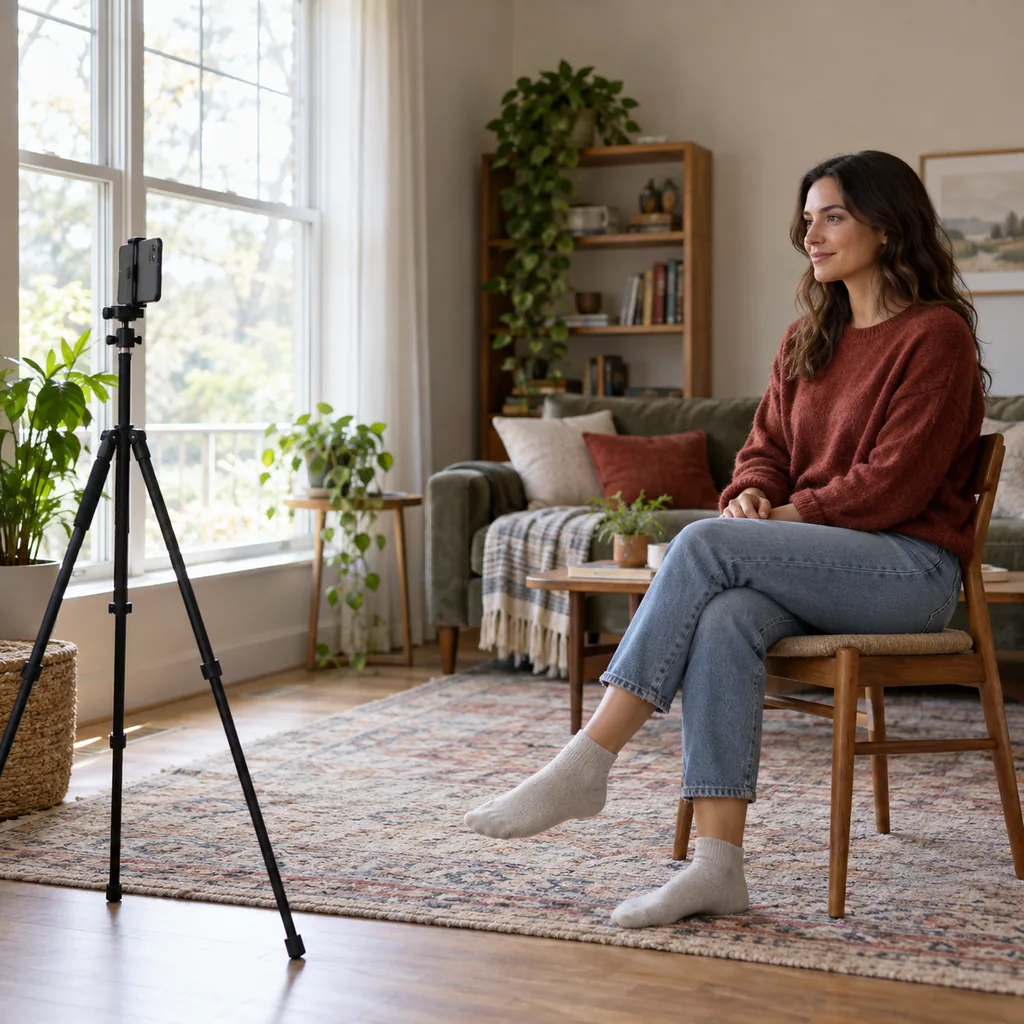
A small, harsh light can create deep shadows, while very flat light can make a portrait feel dull. Stand near a window with light in front of you or slightly to one side. Turn until both eyes are visible and the shadows feel gentle. For many people, the answer to how to look better in photos begins with soft front light, not extra editing.
If the window is behind you, turn around so your face is lit. At night, place a lamp near the camera and soften it by bouncing light off a pale wall. Keep the light comfortable; squinting makes a relaxed expression harder.
Take a test frame. If highlights look washed out, step back or turn slightly. If one side is too dark, face the light more directly.
A quick light check
- Put the brightest light in front of you.
- Keep detail visible on both sides of the face.
4. Set a steady camera height and crop
Start with the camera near eye level. A much higher or lower lens changes how the chin, forehead, and background appear. Eye level is a reference, not the best angle for everyone. Take another frame just above it while keeping distance, light, and expression steady.
For a headshot, leave space above your head and do not crop through the chin. For a full-body picture, step back far enough to include your feet and keep the phone level.
| What you notice | Check first | Small adjustment |
|---|---|---|
| Chin or forehead looks prominent | Is the camera far above or below your eyes? | Try eye level and keep distance steady. |
| Face looks stretched near the edge | Are you close to a wide camera? | Move back and center your face. |
| Portrait feels cramped | Does the crop cut into your head? | Step back and crop afterward. |
5. Use a relaxed pose, not a rigid rule
Many lists about how to pose for pictures rely on fixed rules. Comfort, clothing, camera height, and the purpose of the photo all matter, so begin with a position that lets you breathe. Stand or sit tall without raising your shoulders, release your hands, and shift your weight slightly if standing.
For a portrait, turn your torso a little and bring your face back toward the lens. Keep your chin comfortable; if it disappears into your neck in the first frame, move it slightly forward or down and compare. Do not force a dramatic twist because a generic tip recommends it.
Give your hands a relaxed place to rest or hold a small relevant object. Move them outside the crop if they distract. In a full-body photo, a little space between your arms and torso can help show the clothing. These are options, not requirements.
Keep the pose easy to repeat
- Relax your shoulders and hands.
- Compare a small turn with a straight-on frame.
- Stop if a pose feels strained or unlike you.
6. Give your expression a moment to settle
A face can look tense when the camera fires just after someone asks you to smile. Use a timer, relax your jaw, blink, and then look toward the lens. Think of a warm moment rather than pulling your mouth into a shape you do not recognize.
Try a neutral expression and a small smile. Check whether your eyes feel relaxed and the expression fits the occasion. A work portrait may call for calm; a casual photo may feel more like you with visible energy. There is no universally correct smile.
7. Simplify the background and styling
Scan the background edges for bright objects, clutter, or lines that compete with you. Move a few steps or turn the camera so the subject is easier to see, and leave some space behind you.
Wear something that fits the purpose and feels comfortable. Solid colors can be easy to read, but patterns are not automatically wrong. Check clothing in the actual light. If you wear glasses, shift slightly to reduce reflections while keeping your eyes visible. Change one setup variable at a time.
Run a three-frame comparison
To learn how to look good on camera, compare similar photos rather than pictures taken on different days. Keep camera, distance, light, clothing, and crop the same; change only one item. That makes it easier to tell whether the angle or the light made a difference. This is a practical way to learn how to look better in photos while keeping the result natural.
Take a straight-on frame, a small body turn, and the same turn with a different expression. Test distance or light in a separate set. Review the photos at the same screen size and choose the one that serves the image's purpose. Avoid comparing them with filtered photos taken in different conditions.
Write down one useful observation, such as facing the window felt more comfortable. Use it as a starting point next time. The goal is not a mathematically perfect angle; it is a clear photo in which you feel at ease.
Choose by the job of the image
- Choose a clear frame for a profile photo.
- Choose the one that feels like you for a personal image.
- For group or work photos, fit the context and crop.
| Frame | Keep constant | Change only |
|---|---|---|
| A: baseline | Distance, light, crop, expression | Record the starting point. |
| B: angle | Distance, light, crop, expression | Camera height or a small turn. |
| C: expression | Distance, light, crop, position | Neutral face or a small smile. |
Make restrained edits and keep the original
A small crop, exposure correction, or straightening adjustment can help. Stop when the face still looks as it did in the room. Heavy smoothing or reshaping can remove texture and make a profile photo unlike the person someone will meet. Keep an unedited copy.
A photo analysis tool may comment on lighting or framing, but its score is not a universal measure of attractiveness. This guide helps make a clearer portrait. If one image is affecting how you see yourself, take a break from repeated comparisons and read the broader self-image guide.
Frequently asked questions
Last updated: October 24, 2026